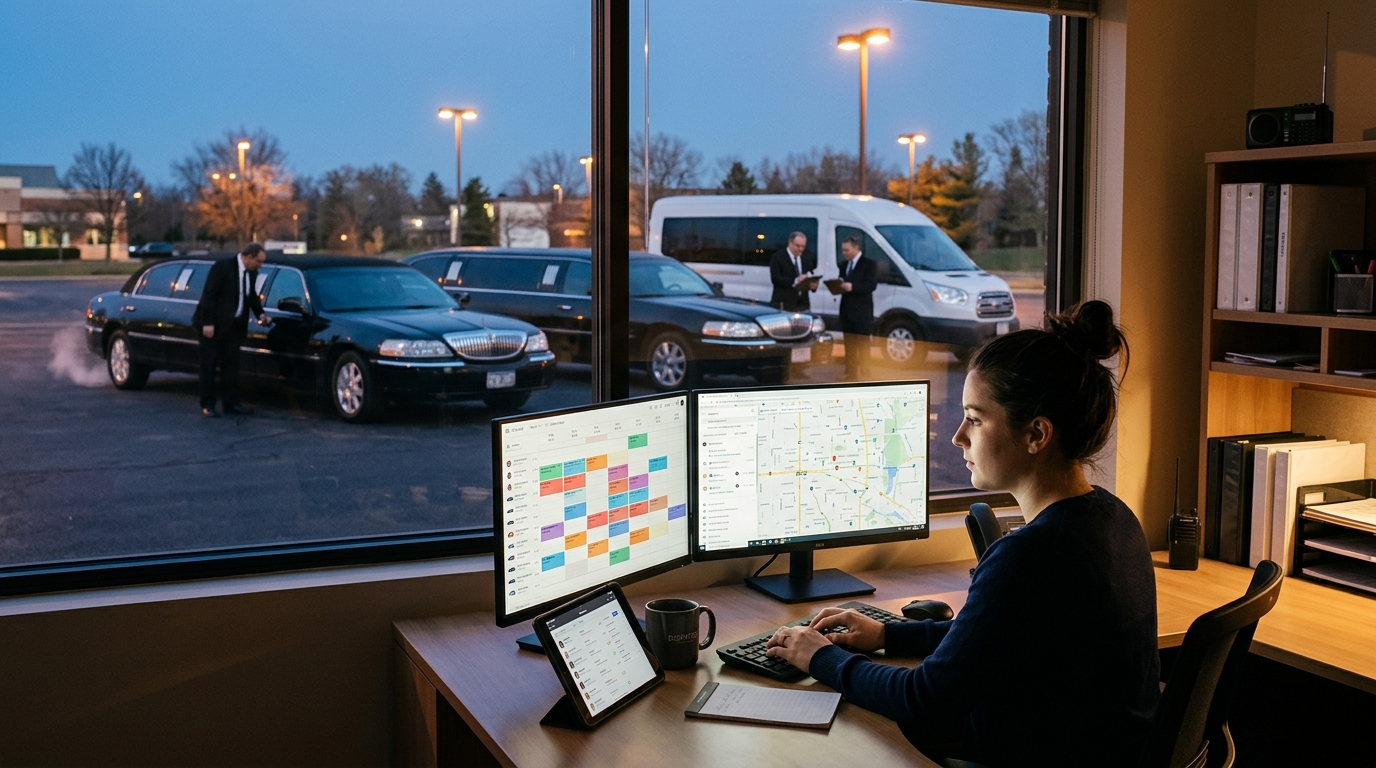
Calendar & Dispatch Screen
- By Neil
- March 15, 2018
One of the primary features of any limousine software is a calendar or dispatch screen. Booking Tool’s graphical calendar interface gives operators a single, real-time view of every reservation, every vehicle, and every driver — the screen most dispatchers will have open from the first booking of the day to the last trip of the night.
The calendar is fully responsive, built to work the same way on a smartphone, a tablet, a laptop, or a desktop monitor, across every major browser currently on the market. A dispatcher covering for a sick staffer from a phone in the parking lot sees the same information as someone running the board from a two-monitor office setup.
A Single View of Drivers and Vehicles
A dispatch screen is only as useful as the information sitting on top of it. Booking Tool’s calendar shows vehicle availability directly alongside driver availability, so a dispatcher checking whether a 4 p.m. run can be covered doesn’t have to flip between two separate screens to confirm both a free driver and a free vehicle exist at the same time. The feature that used to be labeled “Driver Status” is now “Driver & Vehicle Status” to reflect that combined view.
This matters most at the moments dispatch actually breaks down in practice: a driver calls in sick an hour before a run, a vehicle goes into the shop unexpectedly, or three bookings land in the same fifteen-minute window. Seeing driver and vehicle status together turns a multi-step lookup into a glance.
Built for Mixed Fleets, Not Just One Service Type
Operators rarely run only point-to-point limo work or only shuttle routes — most run some combination of private car, shared shuttle, charter bus, and in some cases equipment rental, often with overlapping drivers and vehicles. The calendar and dispatch screen is built to reflect that reality rather than treating each service line as a separate system. A dispatcher can see a private airport transfer, a hotel shuttle loop, and a charter booking on the same board, which keeps a driver from being double-booked across service types — a gap that trips up software built narrowly around a single use case.
Why a Responsive, Multi-Device Calendar Matters Day to Day
Dispatch doesn’t happen at a desk. It happens wherever the person running the board is standing when a call comes in — curbside at a hotel, in a vehicle between runs, or at home fielding an after-hours request. Building the calendar to work identically across devices was a deliberate choice, not an afterthought: the same drag-and-drop assignment, the same live availability view, and the same booking detail are available whether the dispatcher is on a desktop or a phone.
The Takeaway
A calendar and dispatch screen is the operational core of any booking platform — it’s where availability gets checked, trips get assigned, and the day actually gets run. Booking Tool’s version combines driver and vehicle status in one view, works the same across every device, and holds up across mixed fleets running limo, shuttle, and rental work side by side. For operators evaluating limo dispatch software, that combination of visibility and flexibility is usually the single biggest factor in how much time a dispatcher spends managing the board versus actually running it.